Scanning documents doesn't have to be a hassle. Here are the best scanner apps for iPhone options currently available.
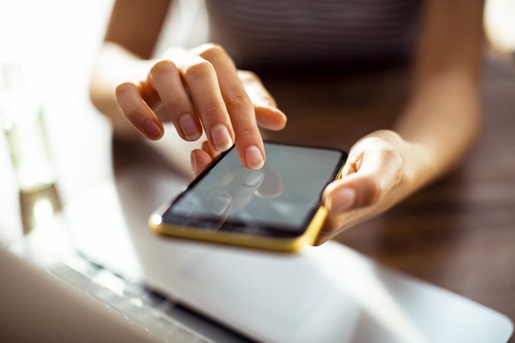
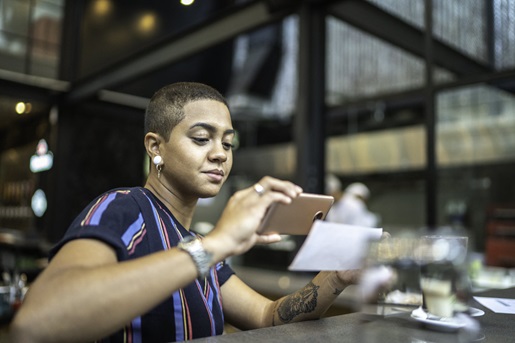
Our iPhones are calculators, flashlights, tape measures, speakers: There seems to be no end to what they can do. It seems like it should be easy to find the best scanner app for iPhone and cut one more piece of technology from our offices. However, the reality is a bit more complex, and ditching a dedicated device for an iPhone document scanner app might not be the best move in some cases. Here are the best apps and what to consider before committing to any solution.

Adobe Scan checks the boxes
For simple scanning jobs, is a free option that will allow you to scan and store documents with little fuss. It organizes its scans by type, supporting IDs, books, and general documents. While being easy to use, the app has its share of weaknesses, though. Book scans still capture fingertips, and it’s difficult to keep steady angles as you turn pages, creating extra work as you attempt to align them. It may be worth using for single documents, but it isn’t stellar for most multi-document scanning scenarios.
Tiny Scanner boasts popular features
Next up is Tiny Scanner, which includes limited free functionality with the option to upgrade at $5 a month or $30 a year. Tiny Scanner offers features like OCR, batch scanning, and handwriting detection, but it locks most of that behind a paywall. Tiny Scanner also carries similar drawbacks as other options, relying on a stable hand, consistent lighting, and digital cameras to produce a quality scan.
Microsoft Lens integrates with the Office Suite
Microsoft’s Office Suite is a staple for businesses and families writing documents, tracking expenses, and performing other types of work. Enter Microsoft Lens, which integrates with Microsoft Office Suite to import scans to Word, Excel, and PowerPoint. This integration is a perk for those who frequently use Microsoft Office Suite, but anyone using Google Docs or other software may want to look elsewhere.
Did You Know? The ScanSnap iX1300 offers U-turn Scan for continuous scanning and Return Scan for folded documents? Click here to learn more.
The best scanner app for iPhone
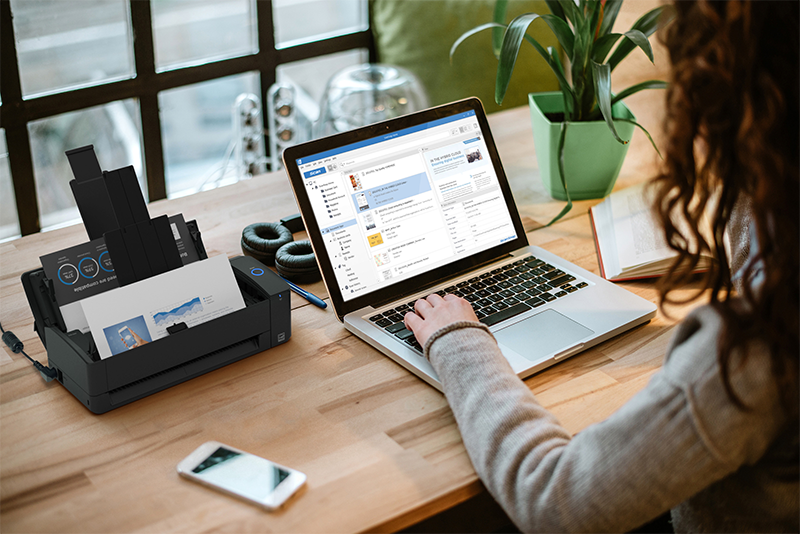
Any of the above scanning apps for iPhone will work depending on your needs and budget. If you’re using the app for a single document on rare occasions, you may be able to get away with an iPhone document scanner app. However, that just won’t do in any environment where you scan semi-regularly, and you should consider opting for a dedicated office scanner. Many office scanners will work with iPhones, making managing scans on iPhones a breeze.
Did You Know? PCMagazine said the ScanSnap iX2500 is “... a model desktop document scanner ” and "superb" to get a handle on papers. Click here to read the full review and learn why it earned an “outstanding” 4.5 out of 5 rating.
Our recommendation: ScanSnap iX1300 or iX2500
Those in the market for a document scanner have no shortage of options. We take great pride in having spent the last 50+ years researching, designing and developing some of the most advanced and powerful electronics in the world, including our professional grade fi and SP Series scanners.
Built to purpose for the most demanding document handling jobs, fi Series scanners are capable of processing tens-of-thousands of pages per day at the highest levels of accuracy. Their intuitive integration capabilities with all existing work suites minimize time-to-value for businesses looking to invest in tools that will pay dividends for years to come.
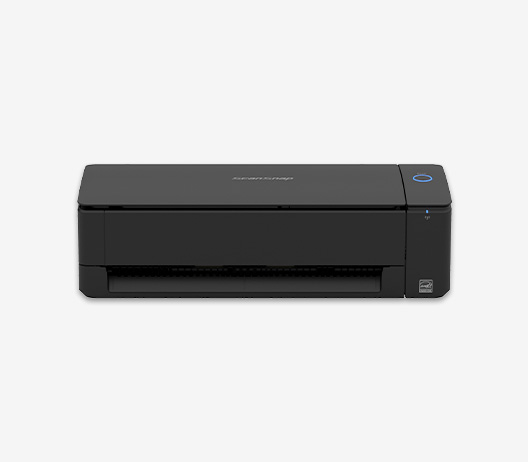
For those looking to save some space in their home office or small business, the ScanSnap iX1300 is a compact solution that packs a punch. The iX1300 pairs with mobile devices, including iPhones, to quickly transfer documents. It features an Auto Document Feeder and Duplex scanning capability to ensure you complete scanning jobs as hassle-free as possible.
If you’ve got more significant scanning needs, the ScanSnap iX2500 optimizes the experience with ease-of-use and data management features. It boasts a 45 ppm scan speed with its Auto Document Feeder and Duplex scan functions and mobile direct connection. We designed the iX2500 to be usable and reliable, with a 5" display and high-quality rollers driving the experience. Click here to learn more or shop the rest of our scanner line.
Note: Information and external links are provided for your convenience and for educational purposes only, and shall not be construed, or relied upon, as legal or financial advice. PFU America, Inc. makes no representations about the contents, features, or specifications on such third-party sites, software, and/or offerings (collectively “Third-Party Offerings”) and shall not be responsible for any loss or damage that may arise from your use of such Third-Party Offerings. Please consult with a licensed professional regarding your specific situation as regulations may be subject to change.