Photo Scanners
Ricoh ScanSnap photo scanners make it easy to digitize your favorite photos. Ricoh overhead and auto-feed scanners avoid tears, rips, and creases while accurately digitizing your photos with intelligent features such as auto-facial orientation and red-eye reduction.
Learn more about our ScanSnap photo scanners below:


How to Choose a Photo Scanner
The right photo scanner depends on how many photos you have and how delicate they are. For big stacks of loose prints, the auto-feed ScanSnap iX2500 Photo Edition scans a 4"x6" print in under a second. Tight on desk space? The compact ScanSnap iX1300 offers the same one-touch scanning in a smaller footprint. For fragile, oversized, or album-mounted photos, the overhead ScanSnap SV600 scans contact-free—nothing bends or feeds through rollers. Prefer scanning flat, one photo at a time? A flatbed scanner works well too. See our full guide on choosing a photo scanner in the resources below.
Scanning Resolution: What DPI You Need
For most family photos, 300 DPI is great for sharing, 600 DPI for archiving, and 1200 DPI for enlarging prints. Higher resolution means more detail but slower scans, so match the setting to the job rather than maxing it out by default. Read our full overview of photo digitization in the resources below.
Photo Features That Protect Your Memories
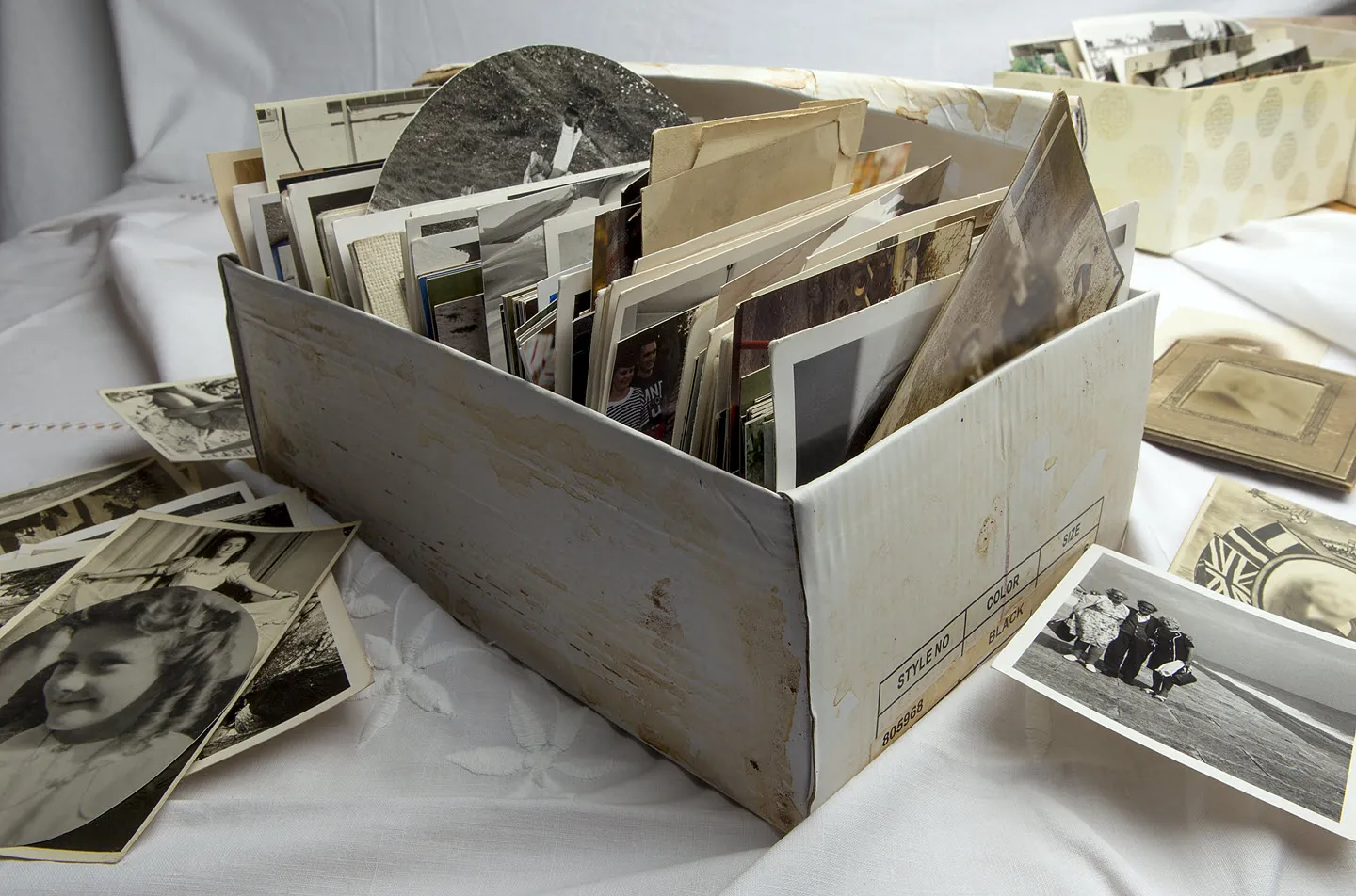
Our photo scanners are built to digitize prints without damaging them. The auto-feed path guides photos through smoothly to avoid tears and creases, and the ScanSnap SV600 offers zero-contact scanning from above for photos that shouldn't be handled at all. Our scanners also handle cleanup automatically—correcting red-eye and facial orientation—so faded shoebox photos look their best without hours of editing. The result: a faithful digital copy of every memory, ready to back up, share, and keep safe.