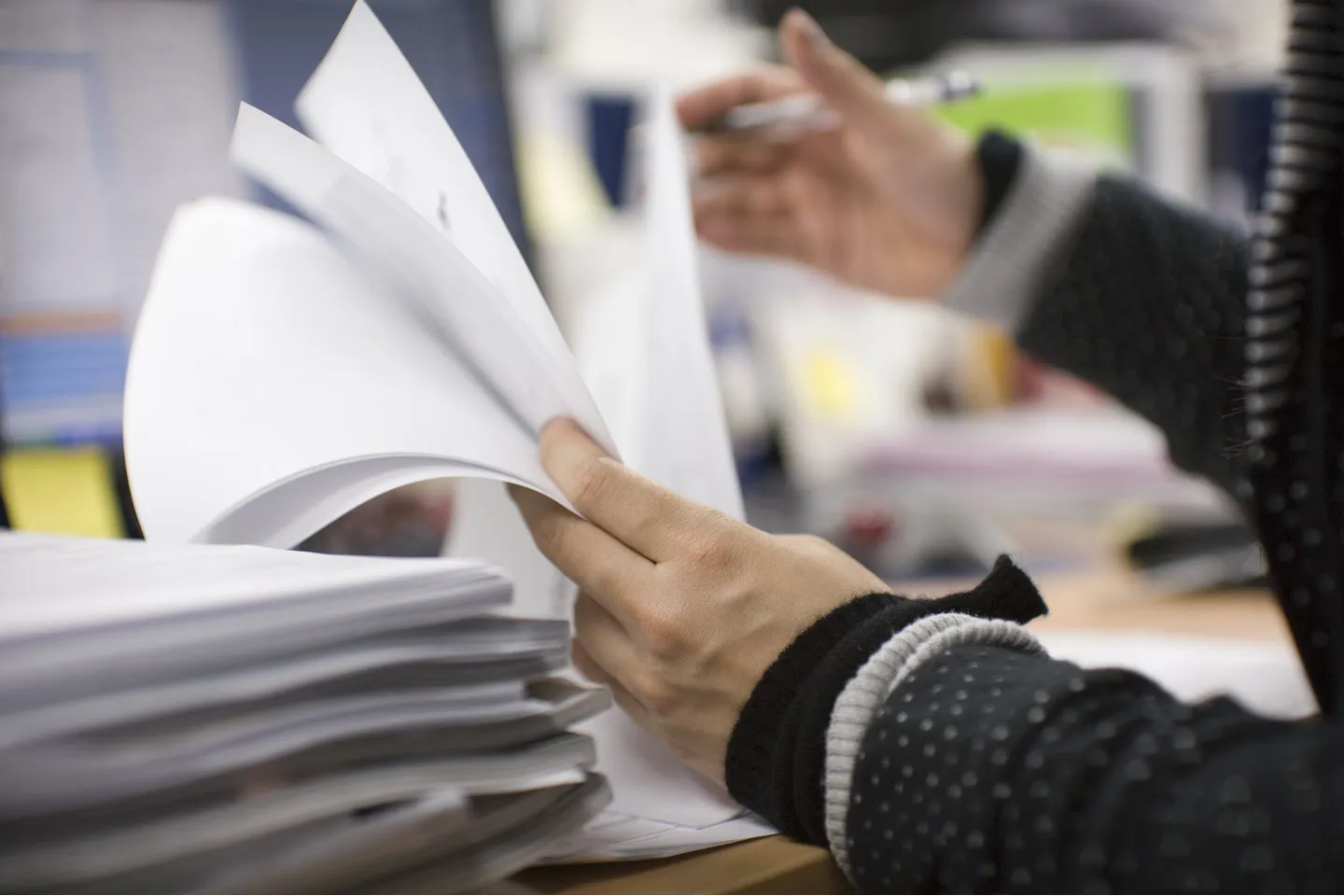
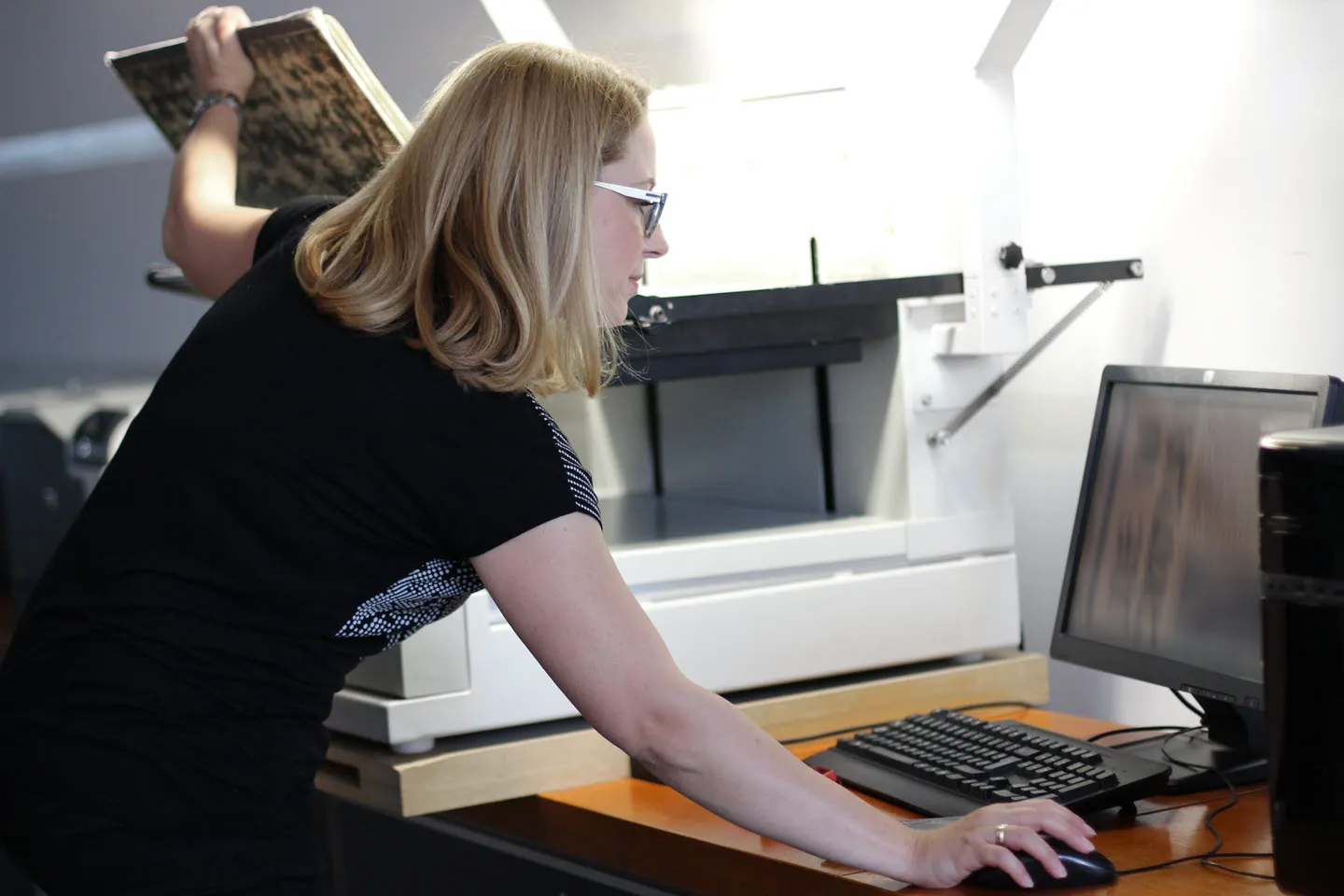
Paper has a way of piling up faster than we can file it. If you work in law, healthcare, or any business that runs on forms, invoices, and records, you know how much of the day disappears into sorting, searching, and re-filing stacks of documents.
U.S. offices use a combined total of 12.1 trillion sheets of paper every year, and much of it still has to be processed by hand. That is why so many teams turn to a sheet feed document scanner, sometimes called a multi sheet scanner, to digitize thousands of pages a day and make information easier to store, retrieve, and share.
There are a lot of scanners to choose from, and the right one should fit your needs, move at your pace, and stay reliable under heavy workloads. Read on to learn what to look for, and check out our guide, The 11 Types of Scanners Every Pro Needs to Know, for even more expert advice.
Key Takeaways
- A sheet feed document scanner uses an automatic document feeder (ADF) to pull a stack of pages through and digitize them far faster than a flatbed.
- The biggest wins are speed, easier archival and instant retrieval, space savings, and more secure, compliant recordkeeping.
- When you choose one, weigh scan speed, ADF and batch capacity, daily duty cycle, image quality and OCR, and how well it fits your software and connectivity.
- Our production-grade fi Series, including the fi-8170, is built for high-volume, all-day scanning.
What Is a Sheet Feed Document Scanner?
A sheet feed document scanner, also known as an automatic document feed scanner, is a digital imaging device that pulls a stack of pages through an automatic document feeder (ADF) and digitizes them far faster than a flatbed. Sheetfed scanners hold small to large stacks, from 20 to 500 sheets of paper, and process them dozens of times faster than scanning one page at a time.
The difference from a flatbed scanner comes down to how pages move. A flatbed captures one sheet at a time on a glass plate and needs you there for every scan, which is great for delicate or bound originals. A sheet feed scanner keeps a whole stack moving on its own, so it wins on speed and needs far less hands-on attention. Many models also add duplex scanning, capturing both sides of a page in a single pass.
What Are the Benefits of a Sheet Feed Document Scanner?
Dealing with large volumes of paper, whether that is internal documentation, legal or medical forms, receipts, passports, and other assorted documents, can be cumbersome and slow. A sheet feed document scanner speeds up your digitization so your team spends less time on manual filing.
Once digitized, files can be transmitted by email or stored on internal networks, and they integrate easily into digital reports or presentations.
The benefits go further than speed:
- Easier archival and instant retrieval. Digitized files can be indexed and searched, so you find the one invoice or chart you need in seconds instead of digging through folders.
- Space savings. Digital records reduce the filing cabinets and storage rooms that paper demands.
- Lower handling costs. Less printing, copying, and manual sorting frees your staff for higher-value work.
- Stronger security and compliance. Digital archives can be backed up and access-controlled, which helps teams in regulated fields such as legal, healthcare, and government keep records secure and audit-ready.
How to Choose a Sheet Feed Document Scanner
Make Sure Your Scanner Can Keep up With the Speed of Your Business
One of the most important things to keep in mind when choosing a multi sheet scanner is knowing what kind of documents you work with, and how quickly you will need them digitized. Consider the scanner's speed, paper size, batch size, and daily volume.
Does your business mostly process standard letter-sized pages (8.5 in. by 11 in.), or will you be dealing with double-letter pages (11 in. by 17 in.) too? Are you scanning single or double-sided pages? Do you also need to scan irregularly-sized or thicker pages, like receipts, passports, or laminated cards? How much paper do you receive in a given day or week that needs to be scanned, and how quickly does it need to be digitized?
It helps to picture your monthly volume in tiers. Low-volume offices handle up to a couple thousand pages a month, mid-volume teams land in the thousands, and high-volume operations push well past ten thousand. A good sheet feed document scanner will handle your tier and more.
Look for larger trays that catch lighter or oddly shaped papers so you are not snatching them off the ground, and make sure it can handle thicker documents so you never have to wonder whether passports, credit cards, booklets, or envelopes will fit or stay intact.
Did You Know? We build the fi-8170 sheet fed scanner to scan up to 70 pages per minute and 10,000 pages per day.
Don't Forget About Image Quality
Inaccurate or poor-quality scans can lead to wasted time as you attempt re-scans, and unclear images can lead to misinterpreted data.
Multi sheet scanners should provide a good balance between the number of pages they can scan per minute and the image quality they maintain. This is usually handled through a combination of scanning hardware, which provides clear, high-resolution captures of your data, and software, which uses post-processing to improve clarity and compress file size without sacrificing quality. Optical character recognition (OCR) matters here too, turning scans into searchable, editable text so you can find a document by the words inside it.
For example, the fi-8170 offers overscan detection to extend the scanning range beyond the default paper size and capture the corners of misaligned documents. Its Clear Image Capture technology helps keep scans accurate and can even remove watermarks or artifacts. It also uses PaperStream IP image optimization, an image-processing driver that works with the industry-standard TWAIN and ISIS interfaces to clean up and enhance your scans further.
Whatever scanner you go with, make sure it can process your documents cleanly and accurately, without introducing errors of its own.
Look for the Right Software and Connectivity
A scanner is only as useful as the way it fits into your workflow, so check how it connects and what it outputs. Look for OCR and searchable file formats so scanned documents drop straight into the tools your team already uses. Confirm the scanner works with your document-management system and your operating systems, and that it offers the connections you need, whether that is USB at a single desk or network, Wi-Fi, and cloud options for shared and distributed scanning.
Find a Sheet Feed Document Scanner That Will Last
Medium to large-sized businesses receive so much paperwork that their sheet feed scanners are likely in constant use during the workday. You need to make sure the scanner you purchase can handle rigorous daily operation for years to come, so you do not have to worry about downtime or repair costs.
Look for a device with strong urethane rollers and motors that can withstand large workloads, including thicker and heavier paper. The product description should tell you the daily volume and give you a sense of how many pages it can process in a day. Consumable parts should last through hundreds of thousands of operations before being replaced, and if misfeeds happen, they should be easy to clear so your day does not grind to a halt.
Did You Know? We designed our fi-8170 for high-volume environments, so it is built to keep pace through long, demanding workdays.
Our Recommendation: fi-8170
Those in the market for a sheet feed document scanner have no shortage of options. We take great pride in having spent the last 50+ years researching, designing, and developing some of the most advanced and powerful electronics in the world, including our production-grade fi Series scanners.
Built to purpose for the most demanding document handling jobs, fi Series scanners are capable of processing tens of thousands of pages per day at high levels of accuracy. Their intuitive integration with existing work suites helps minimize time-to-value for businesses looking to invest in tools that pay dividends for years to come.
The fi-8170 can handle the workload of a wide range of businesses, processing up to 10,000 documents of various sizes and thicknesses every day. With patented Automated Separation Control to help prevent misfeeds and Clear Image Capture technology, you can keep your documents moving quickly and accurately on a device that is built to last.
Ready to move at the speed of your business? Take a closer look at the fi-8170 sheet feed document scanner to see if it is the right fit for your team.
Note: Information and external links are provided for your convenience and for educational purposes only, and shall not be construed, or relied upon, as legal or financial advice. PFU America, Inc. makes no representations about the contents, features, or specifications on such third-party sites, software, and/or offerings (collectively “Third-Party Offerings”) and shall not be responsible for any loss or damage that may arise from your use of such Third-Party Offerings. Please consult with a licensed professional regarding your specific situation as regulations may be subject to change.