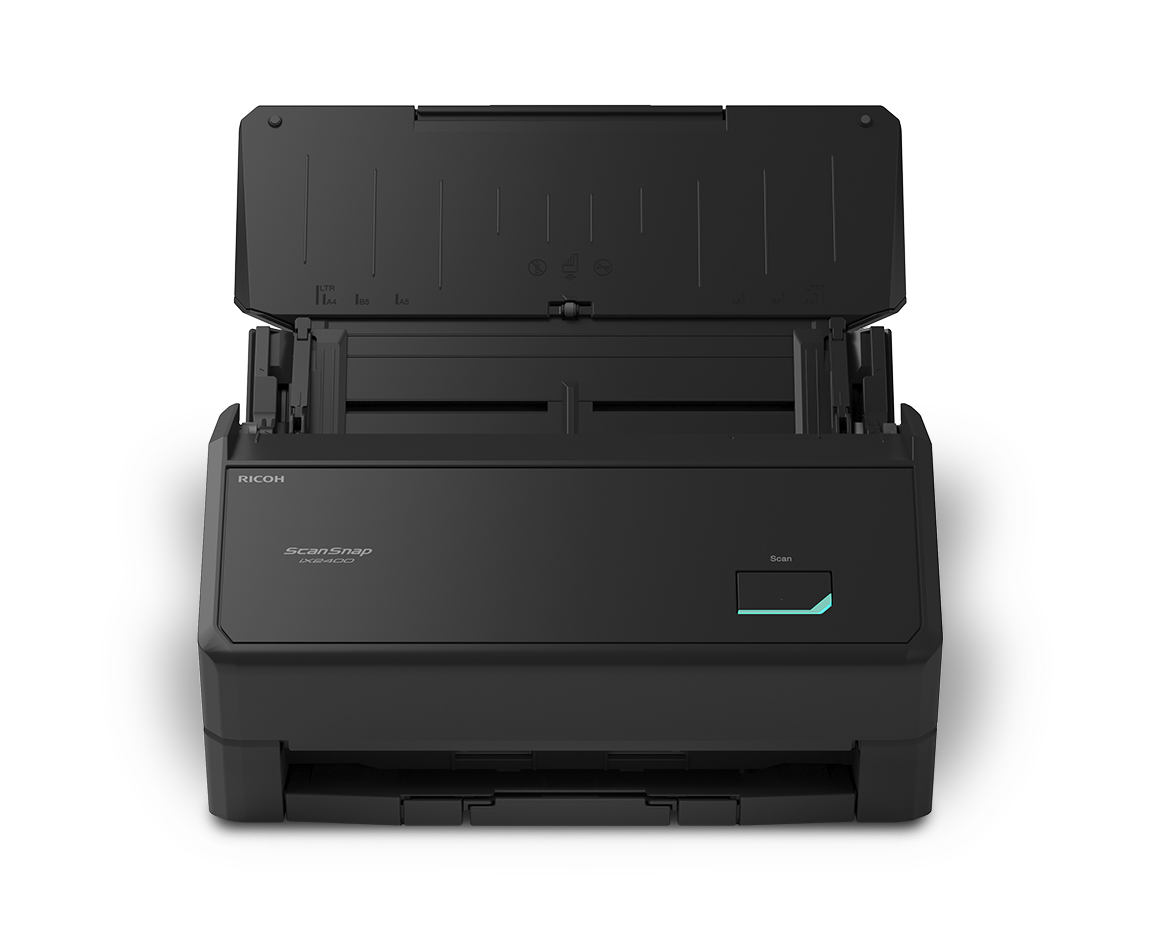
Redefine productivity with ScanSnap Home®
ScanSnap Home software works with your ScanSnap scanner so you can organize, manage and edit data from one application.

ScanSnap Home software works with your ScanSnap scanner so you can organize, manage and edit data from one application.
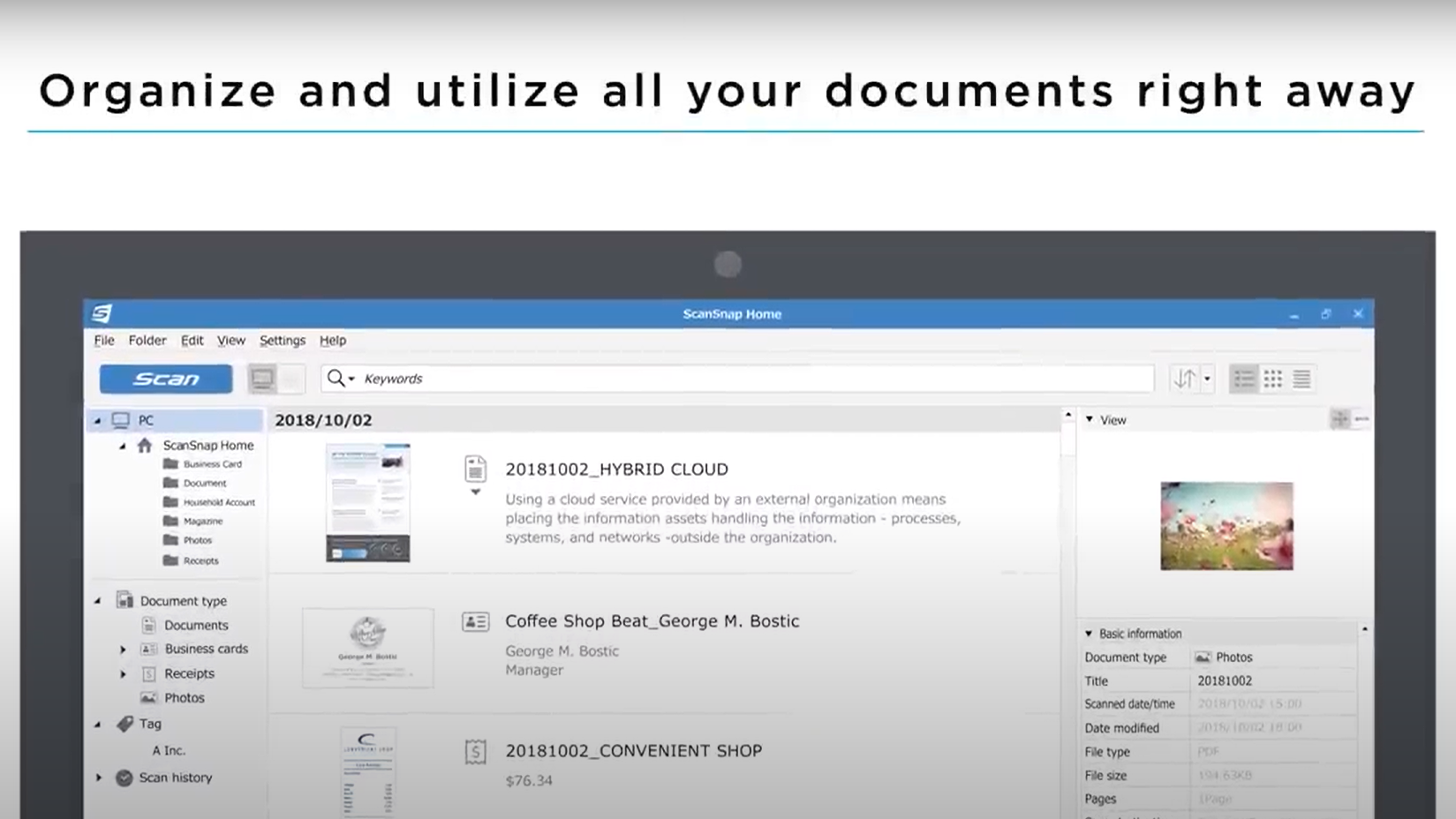
ScanSnap Home Overview
Chapter 1: Automatic Document Scanning
Narration: All documents scanned with ScanSnap can be organized automatically and utilized right away with ScanSnap Home.
Visual: A ScanSnap scanner and the ScanSnap Home software interface are shown. Documents are scanned and appear within the application's library and organization views.
Narration: Automatic functions provide optimal image quality effortlessly. File names are generated automatically based on content. In addition, scanned pages are identified and sorted as documents, business cards, receipts, and photos.
Visual: Examples of scanned files appear on screen and are automatically categorized into different document types. The software interface displays organized collections of scanned items.
Chapter 2: Managing and Finding Data
Narration: Managing all your data is simpler than ever. Easily share information with your team members by saving to a common server. Label scanned data with tags.
Visual: The software displays file management features, including tagging and organization options. Examples of shared folders and document libraries are shown.
Narration: Presentation materials and business cards you receive at meetings, for instance, are easy to find by categorizing them with the same tags.
Visual: Examples of business documents and contact information are shown being grouped under shared tags.
Narration: Keyword search and look through all your scanned data to find what you need immediately.
Visual: A search field is used to locate scanned documents, and matching results appear within the ScanSnap Home interface.
Chapter 3: Editing and Text Extraction
Narration: Editing, such as adding and deleting pages in scanned data, is also possible with ScanSnap Home.
Visual: The software displays document editing functions and page management options.
Narration: The ability to create Microsoft Office documents provides added flexibility.
Visual: Scanned content is converted into editable document formats and displayed within a workflow example.
Narration: Moreover, ScanSnap Home recognizes and extracts text on scans, such as names on business cards and numbers on receipts, allowing you to write emails with one click of the email address on the scanned business card or estimate how long it will take to reach your customer's office.
Visual: Examples of scanned business cards and receipts are displayed. Text information is highlighted and extracted into structured fields. Contact information is shown being used within productivity workflows.
Chapter 4: Smart File Naming
Narration: Corrections made to scanned data are reflected on future scans.
Visual: The software displays document information being edited and applied to subsequent scanning activity.
Narration: ScanSnap Home also recommends file names based on your previous file naming preferences.
Visual: Suggested file names appear within the application as documents are processed.
Narration: Folder settings are also simple with ScanSnap Home.
Visual: Folder organization and settings screens are shown.
Chapter 5: Customizing Scanning Profiles
Narration: A wide variety of profiles are available, and you can customize them to suit your preferences.
Visual: The software displays multiple scanning profile options and customization settings.
Narration: Start scanning with just one touch of the preferred icon.
Visual: A scanning profile is selected from an icon-based interface.
Narration: All your profiles show up on the ScanSnap touchscreen. Icons can be color coded for each user.
Visual: A ScanSnap touchscreen displays multiple profile icons in different colors.
Narration: You can find your own icons immediately, even when sharing the scanner at the office or at home.
Visual: Examples show multiple users accessing personalized scanning profiles on the same device.
Chapter 6: ScanSnap Home Overview
Narration: Enjoy all your documents in one place. ScanSnap Home.
Visual: A summary view of the ScanSnap Home application displays organized documents, photos, receipts, business cards, and other scanned content within a single interface.
Accessibility Notes

Automatically organize and categorize your scanned documents, allowing you to quickly find your files.

One-touch scanning and an intuitive interface guide you through the scanning process step by step.

Reduce repetitive tasks by creating profiles of frequently used preferences to streamline your scanning and document management
ScanSnap Home software and mobile app were created to work seamlessly with your ScanSnap scanners.

Ricoh document scanners and software lead the way globally in market shares.

Learn how our suite of solutions sets you up for success.