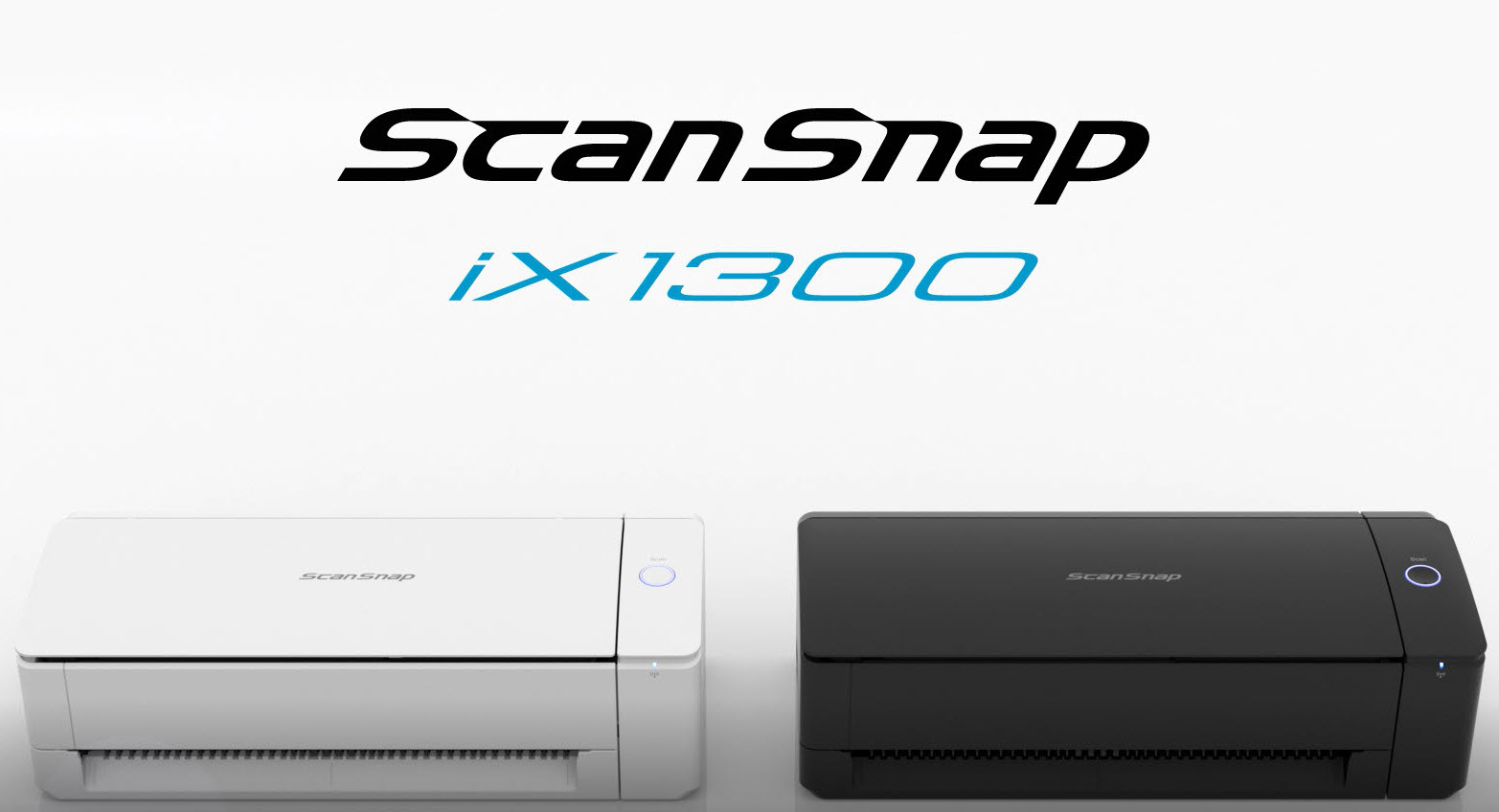
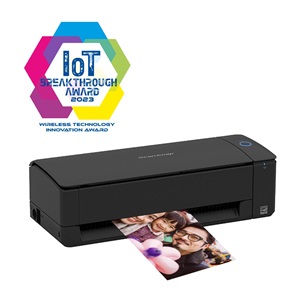
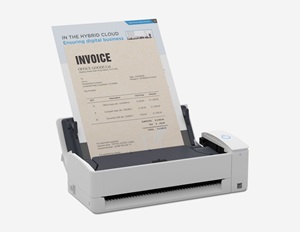
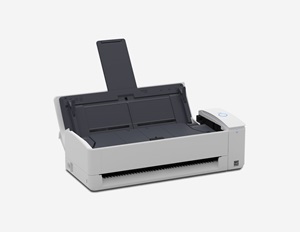
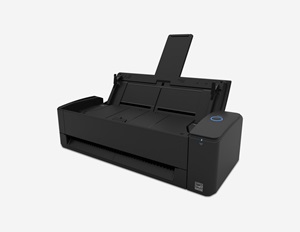
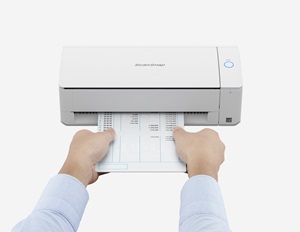
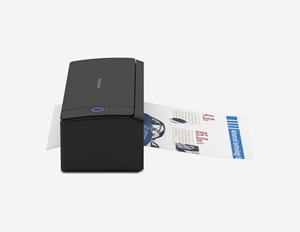
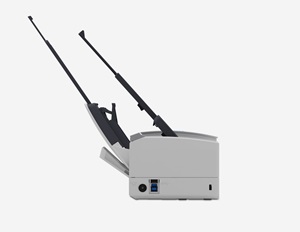
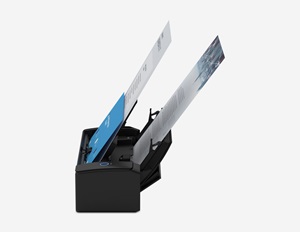
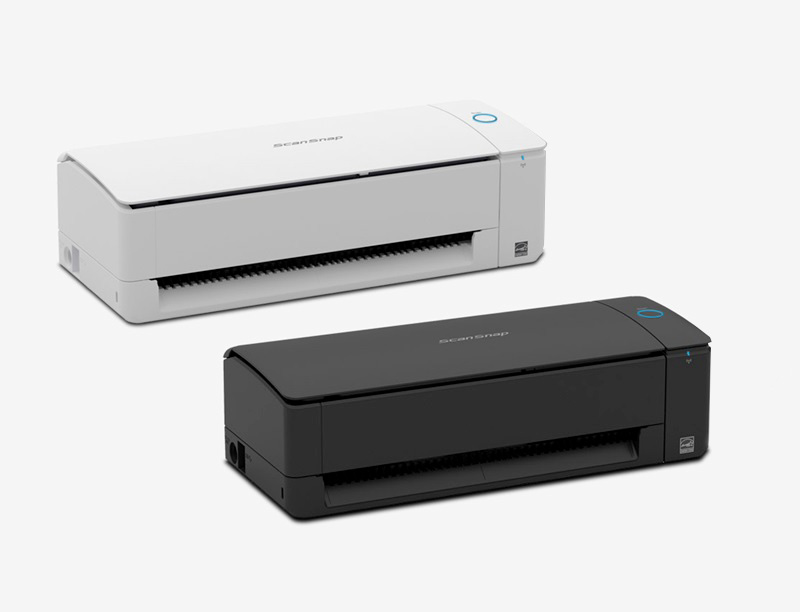
The ScanSnap iX1300 empowers users with faster, more convenient, Wi-Fi-enabled scanning in an incredibly compact operating footprint, enabling work in virtually any environment.
ScanSnap iX1300
ScanSnap iX1300 Compact Wi-Fi Duplex Document Scanner - Standard Edition (White)
Part Number: PA03805-B005
- In Stock
- Personal
- Small Business
$329.99
$348.00
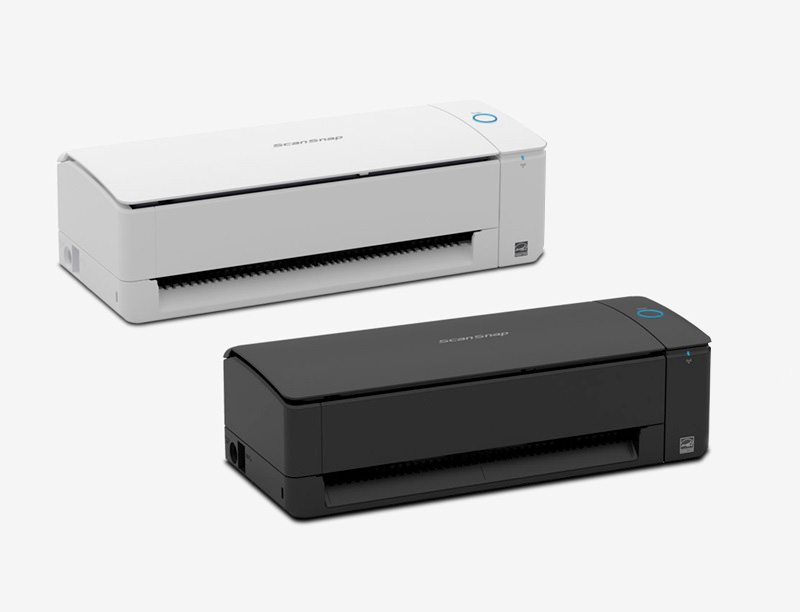
Color: White


Edition: Standard
Deluxe
Standard
Product Highlights

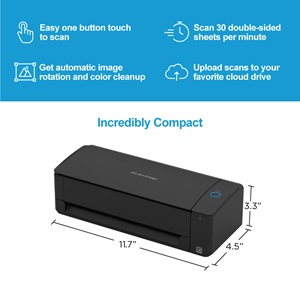
Easy One-button Scanning
Scans with just the push of a button, using intelligent image processing to deliver great results.

Compact Desktop Scanner
Space-saving operational design is ideal for the smallest work and home office spaces.

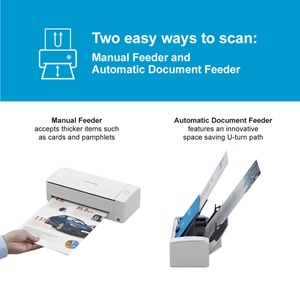
Dedicated Front Feeder
Flexible return-path scanning for thick documents, including plastic cards, folded papers, and pamphlets.

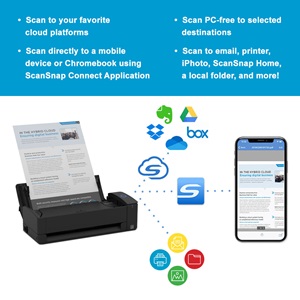
Direct Scan-to-Cloud Functionality
With Wi-Fi connectivity and a ScanSnap Cloud account, it's possible to scan directly to popular cloud services—no computer or mobile device needed.
Details
- Fast, double-sided scans up to 30 pages per minute
- 20-page automatic document feeder (ADF)
- Manual feeder scans both sides of individual sheets or booklets up to 2mm thick
- Equipped with USB and Wi-Fi connectivity
- Instantly creates a variety of files, including searchable PDFs, JPEGs and editable Microsoft® Word, Excel and PowerPoint® files
- Scans 4"x6" photos in under a second with intelligent features, such as auto-facial orientation and red-eye reduction

Two easy ways to scan
Two innovative and intelligent paper feeders handle a variety of document types. The automatic document feeder (ADF) enables continuous scanning while the manual feeder scans pamphlets, folded documents, cards, and more.

Flexible connectivity
Scan to your PC or Mac computer with USB or wireless connectivity. Add iOS, Android and Chrome OS devices as well using the wireless connection.

Easy document organization
ScanSnap Home all-in-one software brings together all your favorite functions to help you power through your scanning in no time. Easily manage, edit, and use scanned data from documents, receipts, business cards, photos, and more.
| Feature |
 ScanSnap iX1300
|
 ScanSnap iX2400
|
 ScanSnap iX2500
|
|---|---|---|---|
| At a Glance | Versatile, compact scanner | One-touch scanner | Flagship scanner |
| Scanning Speed | 30 ppm / 60 ipm | 45 ppm / 90 ipm | 45 ppm / 90 ipm |
| Connectivity | Wi-Fi, USB | USB | Wi-Fi, USB |
| Scan to/from Mobile Devices | Yes | No | Yes |
| Color Touch Panel | N/A | N/A | Yes |
| ADF Capacity | 20 sheets | 100 sheets | 100 sheets |
| U-turn & Return Paper Feeding | Yes | No | No |
| Two-Sided Scanning | Yes | Yes | Yes |
| TWAIN Driver | No | No | No |
| Depot Protection Plan | 1-year | 1-year | 1-year |
| Learn More | Learn More | Learn More |
Yes! Using the Return Scan path, the iX1300 can scan photos to create beautiful, sharable digital images. To avoid damage, we don't recommend using the U-Turn Scan path (document feeder) for photos.
Yes, the iX1300 is a duplex scanner, meaning it scans both sides of the page. The iX1300 scans both sides at once, so you don't have to flip pages over.
The iX1300 does not include a TWAIN driver, but it can be configured to scan into many 3rd party apps that support the viewing of PDF and JPEG files natively, such as Adobe Acrobat and others. Need TWAIN? Check out the RICOH fi Series.
No. ScanSnap Cloud is optional and free, offering users the choice to send their scans wirelessly through their router to popular cloud services and operate ScanSnap with a mobile device.
Yes, you can scan documents with more than 20 sheets. The iX1300 can be set up to ask if more pages will be loaded before completing the session and creating the scanned file.
Customer Reviews
This scanner delivers everything it advertises and more!!
ScanSnap has never failed to perform for me. This scanner is no exception, wireless, remote scanning is so convenient!...
– TKimble from Virginia
Easy set up, nothing complicated about it.
We finally bit the bullet and purchased a scanner to take over the duties of our good but feature lacking printer/scanner…It has turned out to be one of the best value electronics I have purchased in quite a while…The footprint is tiny but the scanner can handle a fair capacity of documents for its size and does so with surprising speed…
– STJeepers from California

ScanSnap Home (for PC and Mac)
Take the work out of scanning. ScanSnap Home includes everything you need to scan, classify, and organize standard documents, receipts, business cards or photos.
ScanSnap Home (for mobile)
Drive your wireless ScanSnap scanner from your iOS, iPadOS, or Android. Scan directly to popular cloud devices to share and save your data.

Carrier Sheets
5 pack of carrier sheets are intended for use to scan delicate documents such as photos and fragile documents.

Photo Carrier Sheets
3 pack of photo carrier sheets are intended for use to scan smaller documents such as photos and fragile documents.

Booklet Carrier Sheet
Booklet carrier sheet enables you to scan booklets such as passports without damaging them.

Carrying Case
Carrying case for the ScanSnap iX1300.

Pick Roller
Pick roller for the ScanSnap iX1300. Recommended replacement cycle: Up to 100,000 sheets or one year.

Pad Unit
Pad unit for the ScanSnap iX1300. Recommended replacement cycle: Up to 30,000 sheets or one year.
Add more peace of mind with an optional Protection Plan
With Depot, your repair is in the mail
The Depot Service program is designed to provide mail-in unit repair service for those customers requiring asset tag tracking or who prefer to retain their existing scanner.