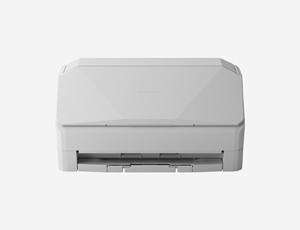
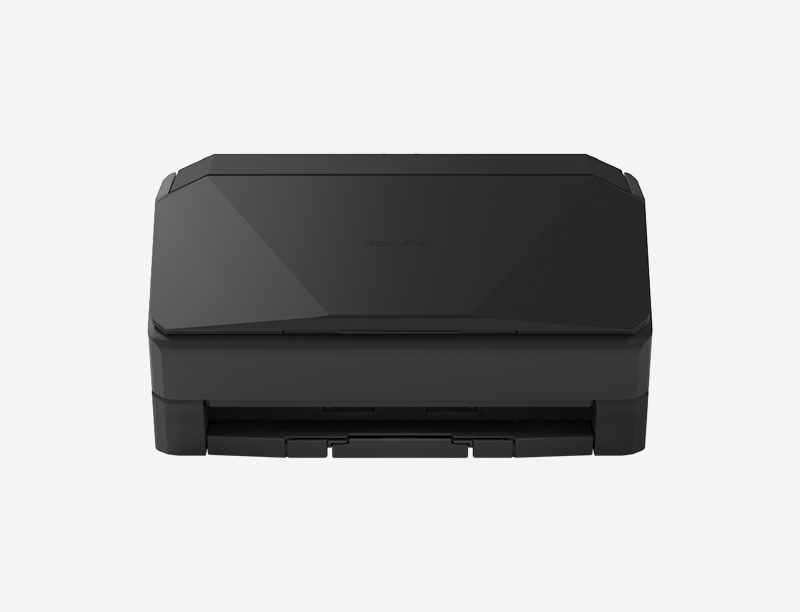
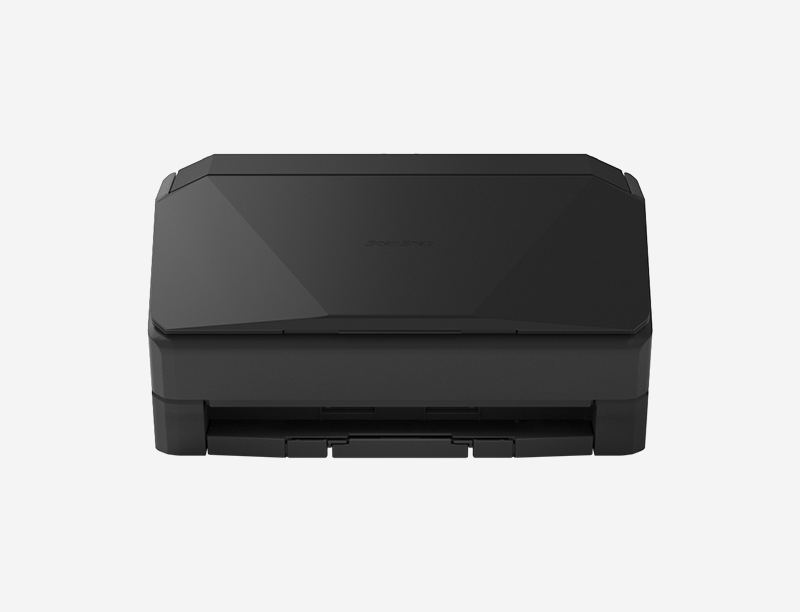
Product Highlights

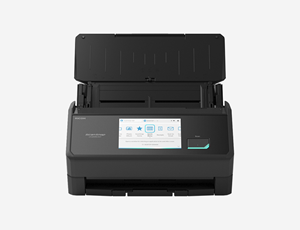
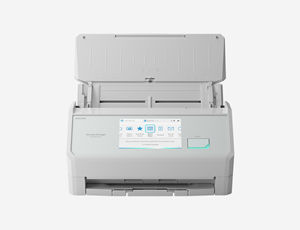
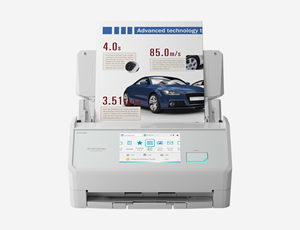
Easy Touch-Screen Scanning

Select a profile and ScanSnap does the rest. Intelligent image processing delivers great results.

Great for Both Individuals and Teams

Users can select their profile from the touchscreen and access their personal shortcuts and destinations.

Receipt Scanning

Quickly scan and recognize receipts, manage them in ScanSnap Home or export them to your favorite application.

Direct Scan-to-Cloud Functionality

With Wi-Fi connectivity and a ScanSnap Cloud account, it's possible to scan directly to popular cloud services—no computer or mobile device needed.

Details

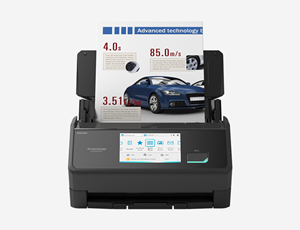
  • Fast, double-sided scans up to 45 pages per minute
  • 100-page automatic document feeder (ADF)
  • Scan envelopes, plastic cards, folded A3 documents, and documents with sticky notes with Manual Feed mode
  • Equipped with USB and Wi-Fi connectivity
  • Instantly creates a variety of files, including searchable PDFs, JPEGs and editable Microsoft® Word, Excel and PowerPoint® files
  • Scans 4"x6" photos in under a second with intelligent features, such as auto-facial orientation and red-eye reduction

View Specifications

Connect without complications

Quickly connect to the tools and apps you use.

Instant and easy connection to the most popular collaboration and storage tools across:

  • Storage: Box®, Dropbox®, Evernote®, Google Drive™, OneDrive®, SharePoint® Online, OneNote®, iCloud®
  • Business Collaboration: Microsoft Teams®, Notion®, Google Photos™
  • Accounting: Concur®, Shoeboxed®, QuickBooks® Online, Hubdoc®

Once connected, simply drag and drop scanned data directly into your collaboration or storage tool of choice.

Woman at desk with laptop and ScanSnap iX2500 document scanner

Specifications

  • Scanning Speed

    • 45 ppm / 90 ipm
  • Resolution - Optical

    • 600 DPI
  • Simplex / Duplex

    • Duplex
  • ADF Capacity

    • 100 sheets

Model Comparison Chart

Model Comparison Chart
Feature
ScanSnap iX2500 ScanSnap iX2500
ScanSnap iX2400 ScanSnap iX2400
ScanSnap iX1300 ScanSnap iX1300
At a Glance Flagship scanner One-touch scanner Versatile, compact scanner
Scanning Speed 45 ppm / 90 ipm 45 ppm / 90 ipm 30 ppm / 60 ipm
Connectivity Wi-Fi, USB USB Wi-Fi, USB
Scan to/from Mobile Devices Yes No Yes
Color Touch Panel Yes N/A N/A
ADF Capacity 100 sheets 100 sheets 20 sheets
U-turn & Return Paper Feeding No No Yes
Two-Sided Scanning Yes Yes Yes
TWAIN Driver No No No
Depot Protection Plan 1-year (Standard); 4-year (Premium) 1-year 1-year
  Learn More Learn More Learn More

Frequently asked questions

Included software creates PDF and JPG images. Searchable PDFs can be created. You can also create editable Word, Excel, and PowerPoint files. 

Yes, the iX2500 is a duplex scanner, meaning it scans both sides of the page at once -- so you don't have to flip pages over. 

You can select from your individual scanning profiles, direct where scans should go, change settings and more -- even without a PC or device. It also makes team sharing easy: everyone can store and access their own profiles right from the scanner. 

No, it's not required, nor is using a cloud service. Our free ScanSnap Cloud account allows you to scan straight to popular cloud services without a device, but you can do the same without an account using a PC and our new Quick Menu. 

The ScanSnap iX2500 does not include a TWAIN driver, but it can be configured to scan into many apps that support the viewing of PDF and JPG files natively, such as Adobe Acrobat and others. Need TWAIN? Check out the RICOH fi-8040 or SP-1130Ne.

Customer Reviews

User friendly software for all your scanning needs

ScanSnap software provides a wide variety of document management tools while making the scanning process as easy as the push of a button.  With the applications below you will be scanning to your preferred destination in no time.

ScanSnap

ScanSnap Home (for PC and Mac)

Take the work out of scanning. ScanSnap Home includes everything you need to scan, classify, and organize standard documents, receipts, business cards or photos.

ScanSnap Home (for mobile)

Drive your wireless ScanSnap scanner from your iOS, iPadOS, or Android. Scan directly to popular cloud devices to share and save your data.

Add more peace of mind with an optional Protection Plan

With Depot, your repair is in the mail

The Depot Service program is designed to provide mail-in unit repair service for those customers requiring asset tag tracking or who prefer to retain their existing scanner.

Learn More
Depot Mail-in Service