Scan directly to QuickBooks
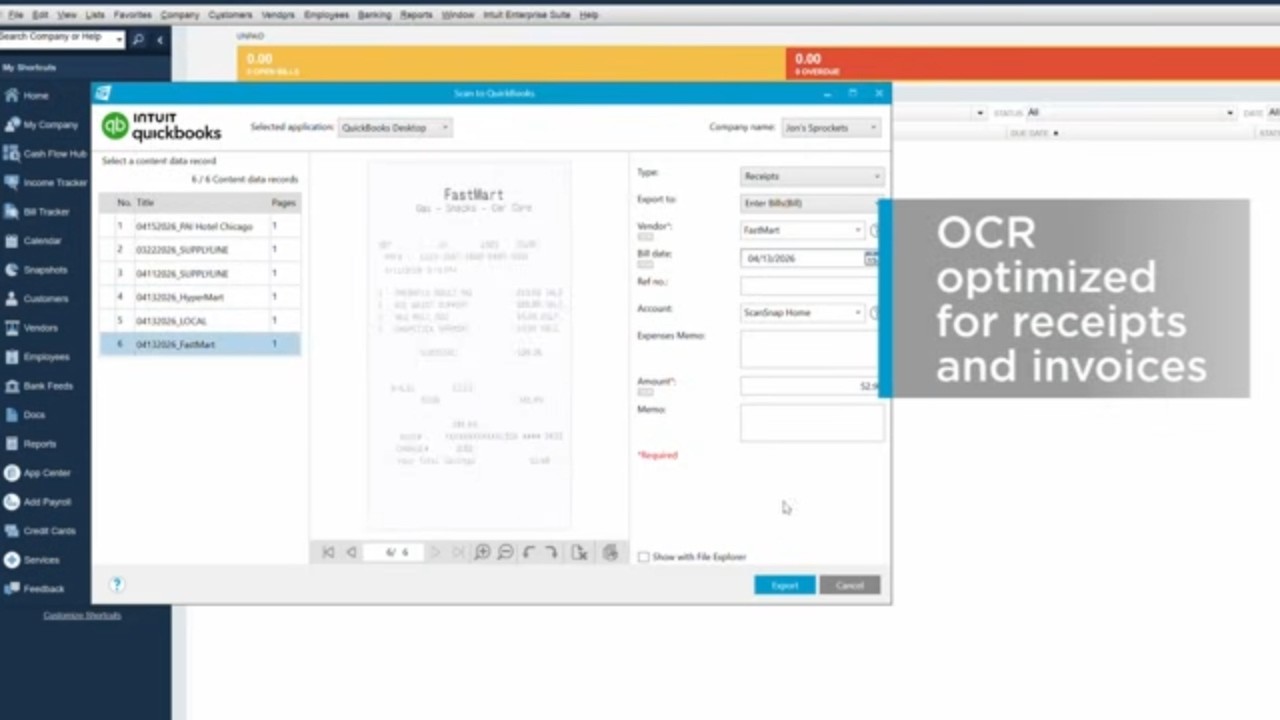

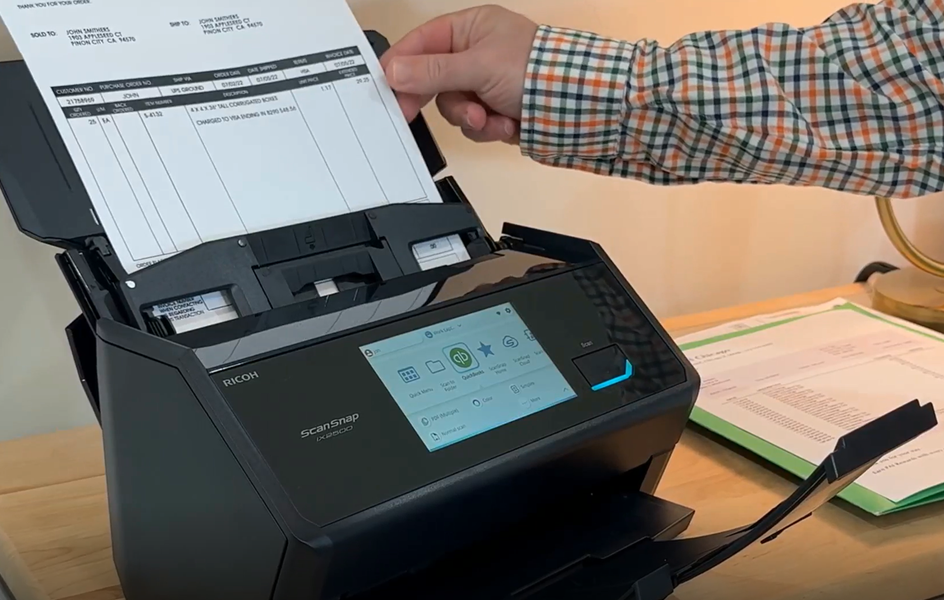
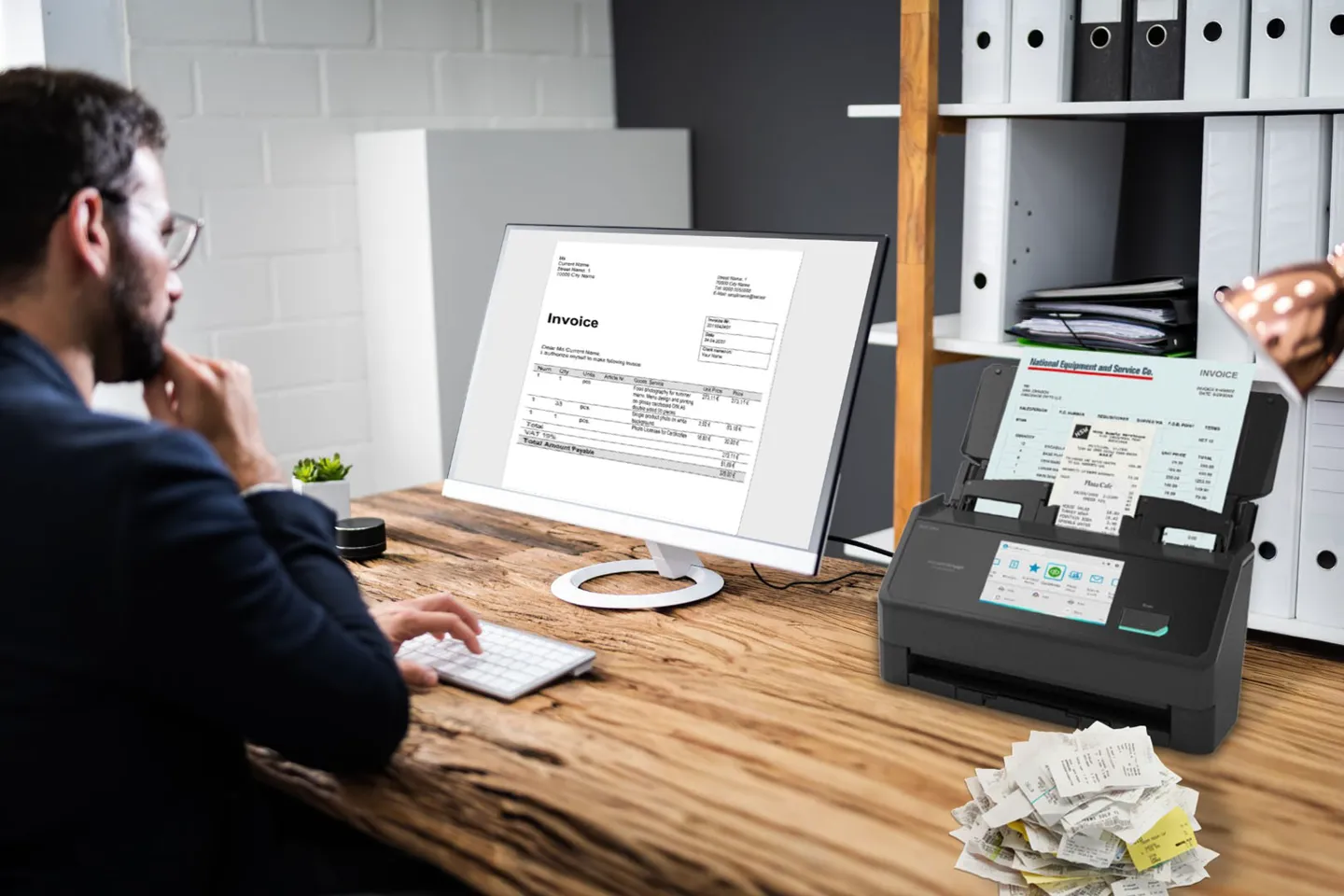
The ScanSnap iX2500 does more than scan receipts and invoices. Built-in OCR captures, names, indexes, and files key receipt information for QuickBooks. Combined with ScanSnap's renowned image quality, it can accurately capture crumpled, faded, and small-print receipts, helping keep expense records organized while reducing errors, misreads, and manual corrections.

The ScanSnap iX2500 scans up to 45 pages per minute (double-sided) and features an automatic document feeder that holds up to 100 sheets, or up to 50 sheets when the included Receipt Guide is installed. This allows you to digitize large batches of receipts, invoices, and other documents in a single sitting instead of feeding pages one at a time.

We know that finding the right business receipt scanner can be tricky, especially when you’re weighing speed, quality, and longevity. That's why we wrote our guide to choosing a tax scanner to help you get started.

Stop retyping receipts and start tax season already organized. Explore the ScanSnap iX2500 Receipt Edition and see how it fits your bookkeeping workflow.
Learn MoreYes. You select the QuickBooks scanning profile on the touch-screen, and scanned receipts and invoices upload directly into QuickBooks Online and Desktop with their data already extracted.
The ScanSnap iX2500 Receipt Edition scans up to 45 double-sided pages per minute. Its Automatic Document Feeder accommodates up to 100 standard-size sheets, or up to 50 sheets with the included Receipt Guide installed. The Receipt Guide makes it simple to scan multiple receipts in a single batch.
The combination of OCR and the ScanSnap series' high image quality can help capture text from small, crumpled, and faded thermal receipts more reliably than a typical phone photo.
The ScanSnap iX2500 Receipt Edition handles far more than receipts. Scan invoices, W-2s, business cards, and everyday documents, then digitize and organize them with the same one-touch workflow.